- Go 81.5%
- JavaScript 15.1%
- Rust 2.2%
- Go Template 0.5%
- Makefile 0.3%
- Other 0.4%
 758e64c999
* feat(model): add per-library PID config columns * refactor(metadata): pass PID config to ToMediaFile and add spec validation * feat(scanner): rescan only libraries whose PID config changed * feat(server): validate library PID config and rescan on change * feat(ui): edit per-library PID config * fix(ui): label the PID mode selects * fix: tighten per-library PID rescan edge cases An interrupted PID rescan no longer upgrades every library to a full scan, a save that loses the race for the scanner logs at debug, the confirm dialog only shows when the effective PID spec changes, and it now gets translation keys. * refactor(metadata): pass the library to ToMediaFile ToMediaFile and core.Inspect took the library ID and its PID config as separate arguments, so a caller could mix values from two libraries. They now take the model.Library and resolve the effective PID config from it. * chore: tidy per-library PID comments, PropTypes and migration Trim comments that restated the code, add PropTypes to the new UI components, and recreate the migration with make migration-sql. * fix(ui): show the PID spec help under its input * feat(cmd): make inspect use the file's library PID config inspect always used the global PID config, so it showed different IDs than the scanner for files in a library with an override. It now finds the file's library in the DB and uses its effective config, falling back to the global config when there is no DB or the file is outside every library. It never creates a DB. The library path matcher moves from core/playlists to model so both can use it. * refactor: simplify per-library PID code Share the DB-file check between CLI commands, move ErrAlreadyScanning to model so core no longer imports scanner, read the libraries once for insights, and let ValidatePIDSpec accept an empty spec and look tags up directly. In the scanner, use FullScanInProgress instead of a second flag, and skip recomputing album IDs when the album spec did not change. In the UI, share the PID inputs between Create and Edit, and use docsUrl. * feat(ui): add section titles to Library Create and pre-fill Custom PID specs Custom now starts from the global spec, so admins edit a working spec instead of typing one from scratch. * fix(inspect): map files with the library-relative path the scanner uses Inspect gave metadata the file's directory as typed, so folder-based PIDs never matched the DB. It now uses the path relative to the library root, through the scanner's helper, which moves to model. * fix(scanner): say when a PID rescan only covers target folders * fix: reject tag aliases in album PID specs and match root libraries Tags are stored under canonical names, so an alias in a spec always reads as empty. In an album spec that gives every album the same ID, so album specs now require the tag name. Track specs keep accepting aliases, since the default one uses them. LibraryMatcher now matches paths under a library at the filesystem root. * refactor(model): move the tag alias lookup to tag_mappings.go * test: run the library matcher and inspect tests on Windows Build test paths with filepath instead of Unix literals, so they use the OS separator like filepath.Abs output, and drop the Windows skips. * feat(ui): add pt-BR translations for per-library PID settings |
||
|---|---|---|
| .devcontainer | ||
| .github | ||
| adapters | ||
| api | ||
| cmd | ||
| conf | ||
| consts | ||
| contrib | ||
| core | ||
| db | ||
| git | ||
| log | ||
| model | ||
| persistence | ||
| plugins | ||
| release | ||
| resources | ||
| scanner | ||
| scheduler | ||
| scripts | ||
| server | ||
| tests | ||
| ui | ||
| utils | ||
| .dockerignore | ||
| .git-blame-ignore-revs | ||
| .gitignore | ||
| .golangci.yml | ||
| .nvmrc | ||
| .octocov.yml | ||
| CODE_OF_CONDUCT.md | ||
| context7.json | ||
| CONTRIBUTING.md | ||
| Dockerfile | ||
| go.mod | ||
| go.sum | ||
| LICENSE | ||
| main.go | ||
| Makefile | ||
| Procfile.dev | ||
| README.md | ||
| reflex.conf | ||

Navidrome Music Server 








Navidrome is an open source web-based music collection server and streamer. It gives you freedom to listen to your music collection from any browser or mobile device. It's like your personal Spotify!
Note: The master branch may be in an unstable or even broken state during development.
Please use releases instead of
the master branch in order to get a stable set of binaries.
Check out our Live Demo!
Any feedback is welcome! If you need/want a new feature, find a bug or think of any way to improve Navidrome, please file a GitHub issue or join the discussion in our Subreddit. If you want to contribute to the project in any other way (ui/backend dev, translations, themes), please join the chat in our Discord server.
Installation
See instructions on the project's website
Cloud Hosting
PikaPods has partnered with us to offer you an officially supported, cloud-hosted solution. A share of the revenue helps fund the development of Navidrome at no additional cost for you.

Features
- Handles very large music collections
- Streams virtually any audio format available
- Reads and uses all your beautifully curated metadata
- Great support for compilations (Various Artists albums) and box sets (multi-disc albums)
- Multi-user, each user has their own play counts, playlists, favourites, etc...
- Very low resource usage
- Multi-platform, runs on macOS, Linux and Windows. Docker images are also provided
- Ready to use binaries for all major platforms, including Raspberry Pi
- Automatically monitors your library for changes, importing new files and reloading new metadata
- Supports lyrics from sidecar .ttml, .yaml/.yml Lyricsfile, .elrc, .lrc, .srt, .txt files and embedded TTML, Enhanced LRC, LRC, SRT, and plain-text tags (via
lyricspriority) - Themeable, modern and responsive Web interface based on Material UI
- Compatible with all Subsonic/Madsonic/Airsonic clients
- Transcoding on the fly. Can be set per user/player. Opus encoding is supported
- Translated to various languages
Translations
Navidrome uses POEditor for translations, and we are always looking for more contributors
Documentation
All documentation can be found in the project's website: https://www.navidrome.org/docs. Here are some useful direct links:
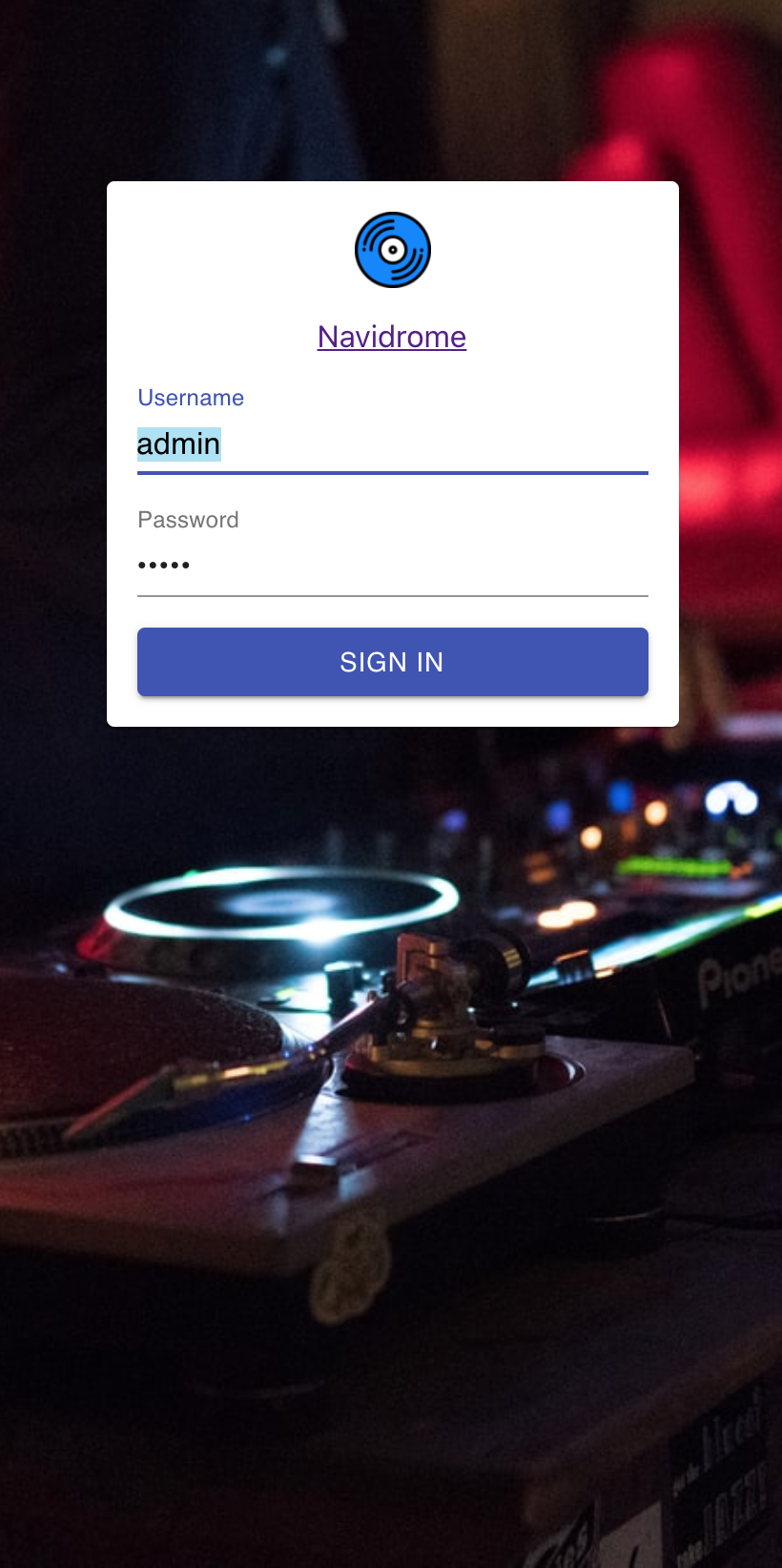
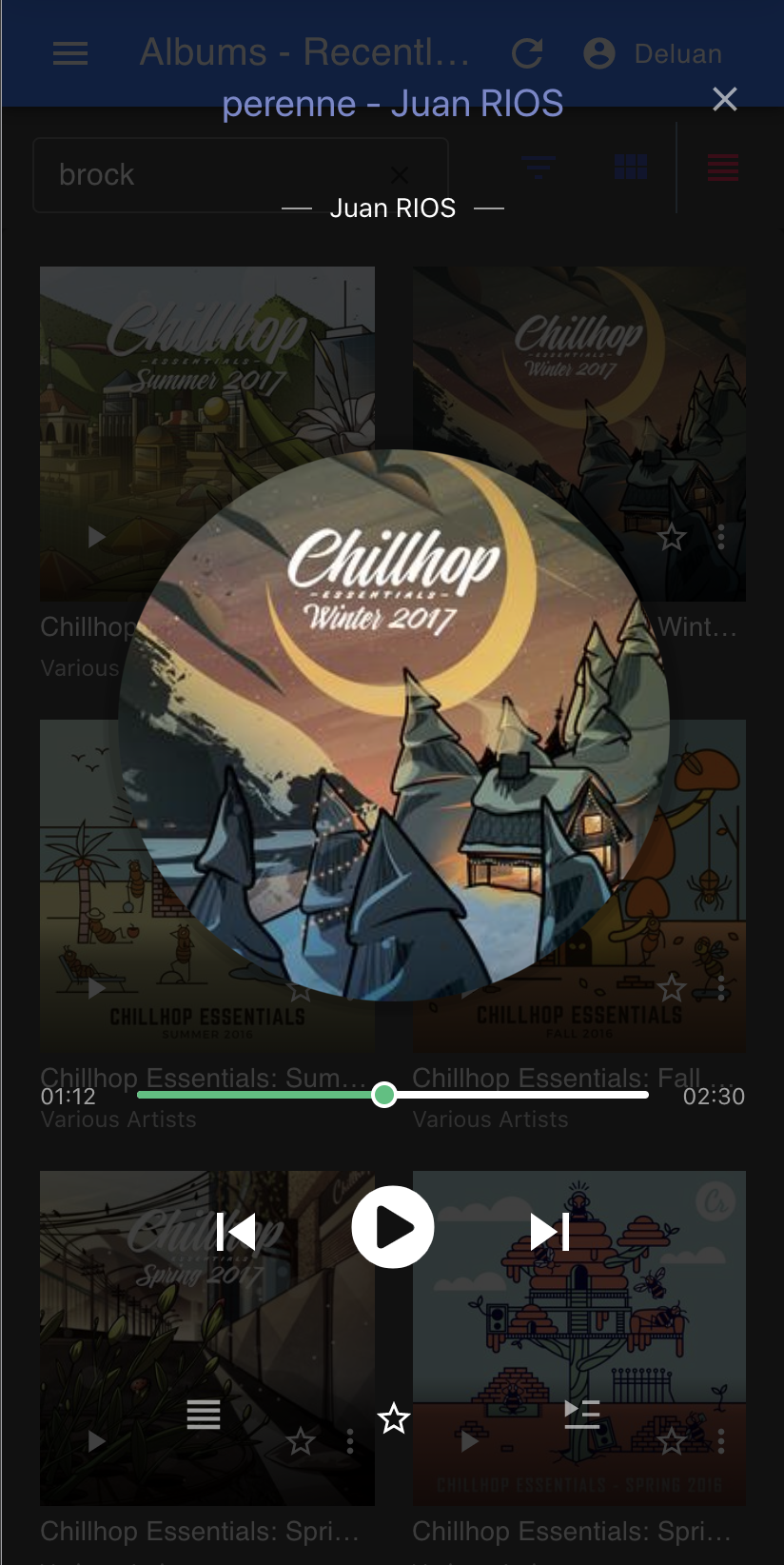
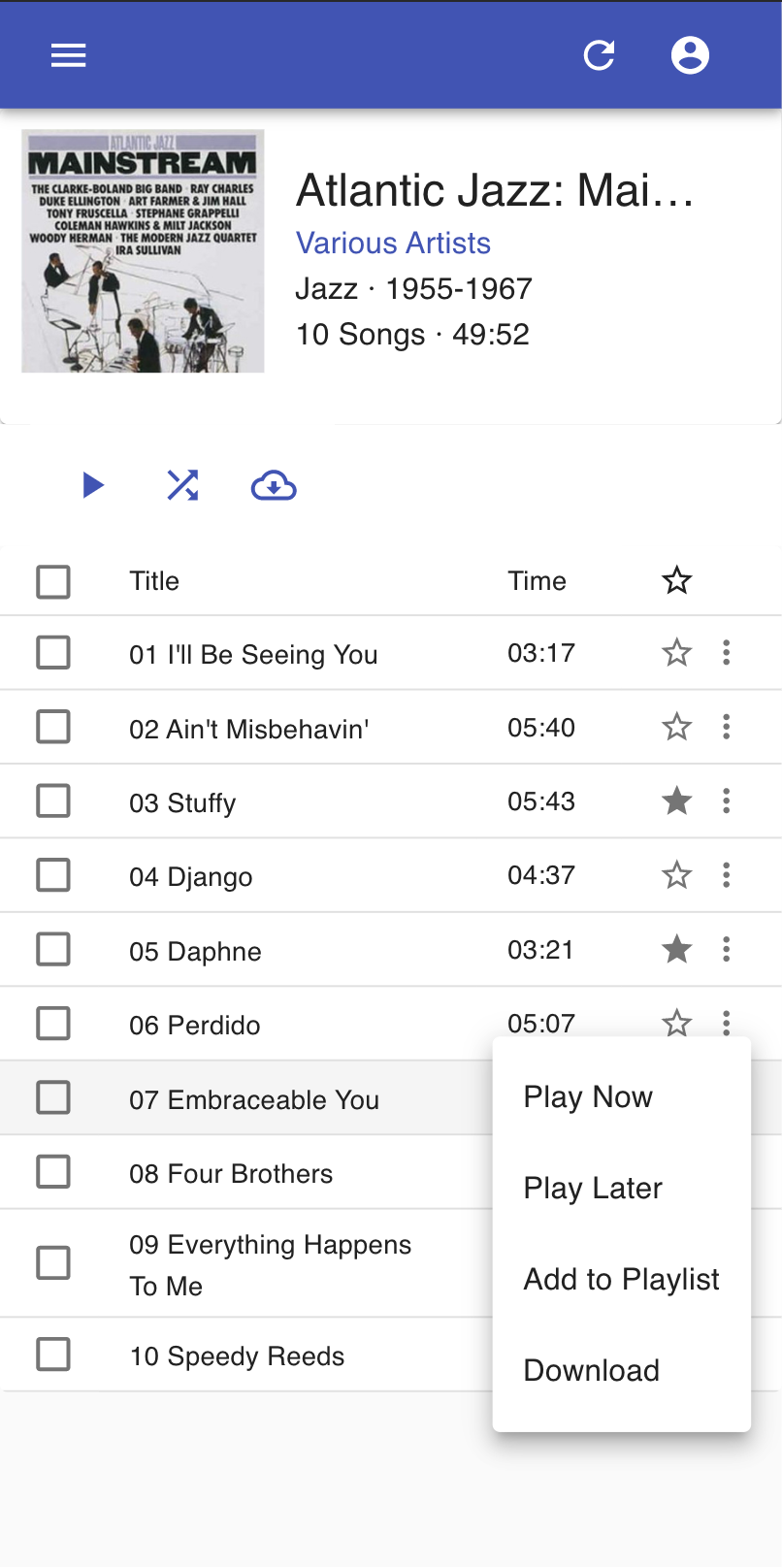
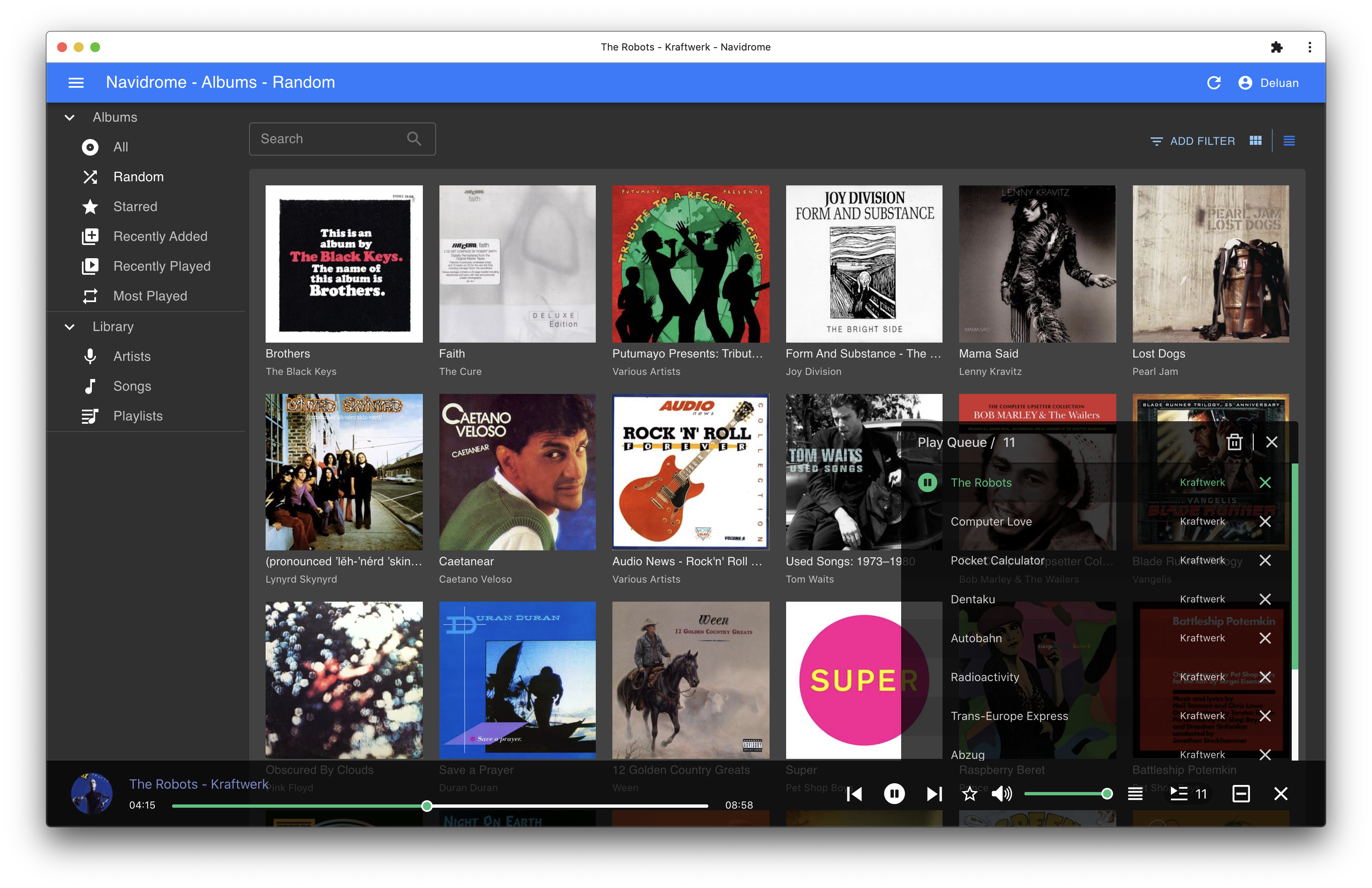
Screenshots