mirror of
https://github.com/nairobilug/pelican-alchemy.git
synced 2024-12-30 12:15:06 +01:00

3.1 KiB
3.1 KiB
pelican-alchemy
A theme for the Pelican static site generator. A shameless rip off of @porterjamesj's crowsfoot theme.
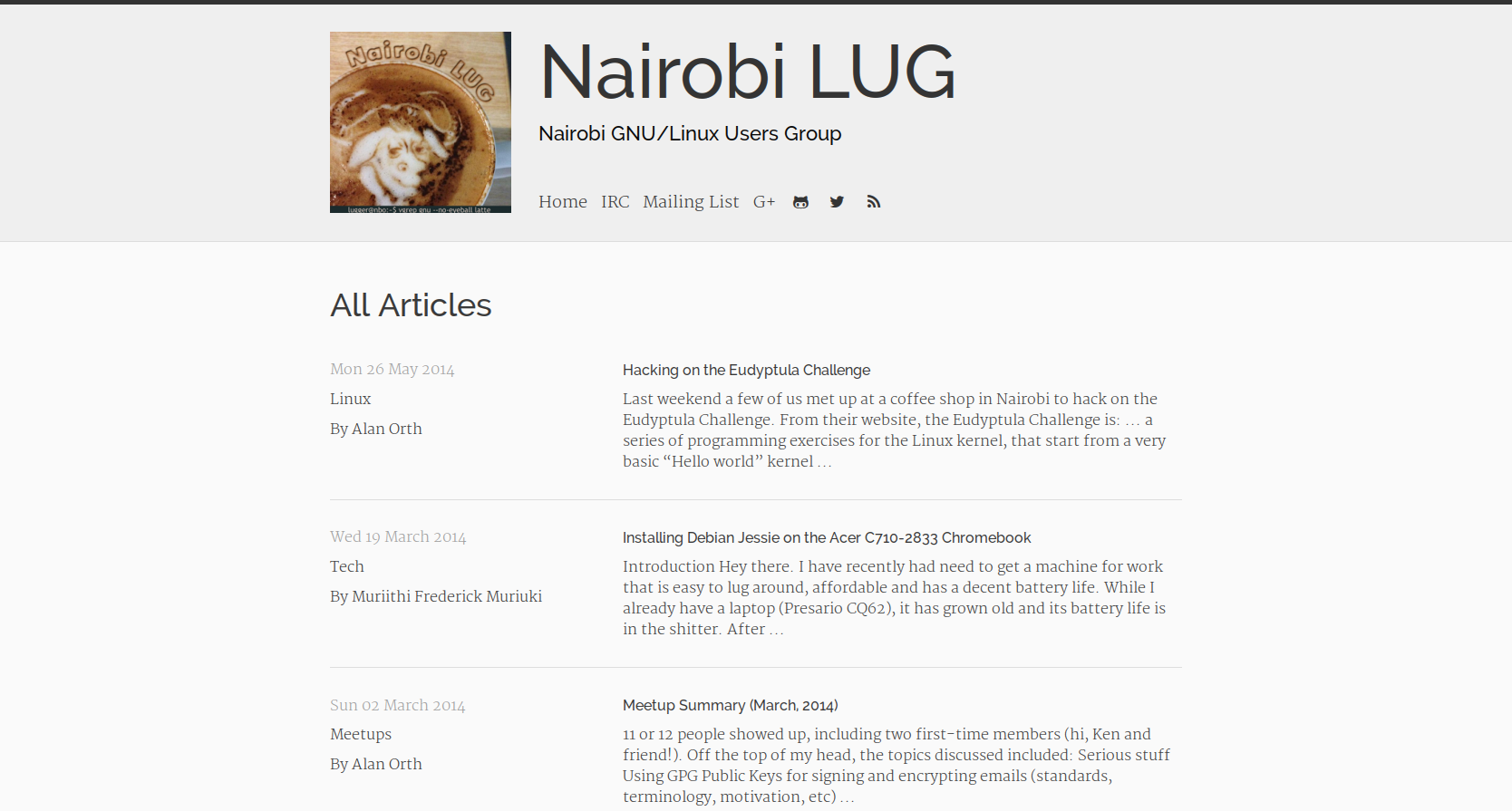
Screenshot
Installation
git clone git@github.com:nairobilug/pelican-alchemy.git
Then set the pelican config variable THEME to the alchemy folder inside the cloned path.
Usage
Pelican documentation
Theme Options
| Config | Type | Description |
|---|---|---|
| EXTRA_FAVICON 1 | BOOL | Extra favicons |
| LICENSE_NAME | TEXT | License (footer) |
| LICENSE_URL | URL | - |
| MENU_ITEMS | DICT | Menu items |
| META_DESCRIPTION | TEXT | Meta description |
| PAGES_ON_MENU | BOOL | Pages on the menu |
| CATEGORIES_ON_MENU | BOOL | Category link in menu |
| TAGS_ON_MENU | BOOL | Tag link in menu |
| ARCHIVES_ON_MENU | BOOL | Archives link in menu |
| PROFILE_IMAGE | URL | Profile image |
| SHOW_ARTICLE_AUTHOR | BOOL | Show/hide author |
| SITE_SUBTEXT | TEXT | Header subtitle |
| Config | Type | Description |
|---|---|---|
| EMAIL_ADDRESS | Email (mailto) | |
| FB_ADDRESS | URL | |
| GITHUB_ADDRESS | URL | Github |
| SO_ADDRESS | URL | Stack Overflow |
| TWITTER_ADDRESS | URL |
An RSS icon will also appear on the nav if FEED_ATOM or FEED_RSS is set.
| Config | Type | Description |
|---|---|---|
| DISQUS_SITENAME | TEXT | Disqus sitename |
| GOOGLE_ANALYTICS_DOMAIN | TEXT | Google analytics |
| GOOGLE_ANALYTICS_ID | TEXT | Google analytics |
To include social buttons on articles add the following.
| Config | Type | Description |
|---|---|---|
| TWITTER_USERNAME | TEXT | Twitter username |
| CUSTOM_ARTICLE_FOOTERS | DICT | Add sharing.html |
| CUSTOM_SCRIPTS_ARTICLE | TEXT | Add sharing_scripts.html |
An example of pelicanconf.py file for adding social buttons.
TWITTER_USERNAME = "your twitter username" CUSTOM_ARTICLE_FOOTERS = ('sharing.html',) CUSTOM_SCRIPTS_ARTICLE = "sharing_scripts.html"
Live Demo
License
MIT
-
http://realfavicongenerator.net/faq#why_so_many_files "Why so many files?" ↩︎